Convert HEIC photos to JPG
Drop the HEIC or HEIF photos from your iPhone and download JPG copies that open on Windows, Android, websites and older editors. Conversion runs in your browser, so the photos stay on your device.
Upload an image
Drop images here or browse. You can pick several.
Runs in your browser. Free, unlimited, nothing is uploaded.
What you get
01
Free and unlimited
No account, no credits, no daily limit.
02
Stays on your device
Photos are decoded in your browser and never uploaded.
03
Batch conversion
Pick many photos at once and download every JPG.
Frequently asked questions
Online AI photo & image toolkit
Explore our full suite of AI enhancement, restyling, and free conversion tools.


Photo enhancer
Sharpen and clean up any photo.
Try it
Unblur image
NEWFix motion blur and soft focus.
Try it
Unblur text
Make blurry text and screenshots readable.
Try it
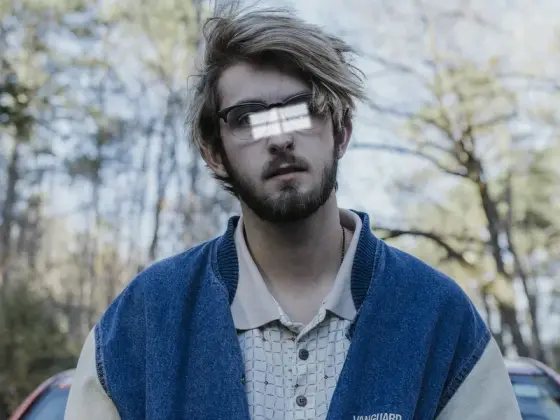
Remove glare
NEWTake glare off glasses, flash and sun.
Try it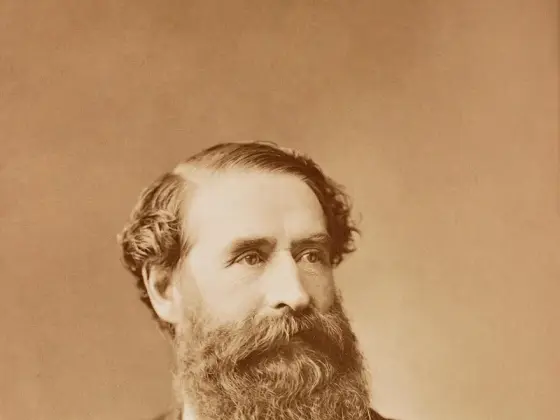
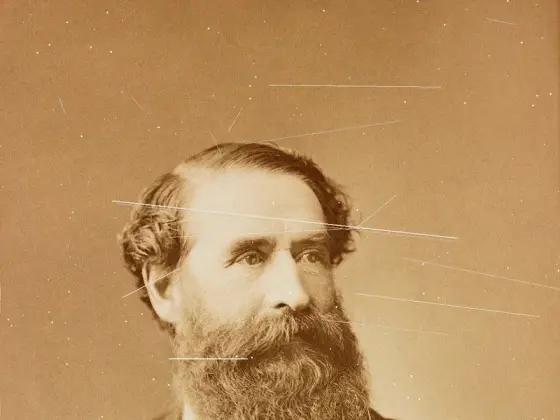
Photo restoration
NEWRepair scratches, creases and tears.
Try itPhoto colorizer
NEWAdd natural color to black-and-white photos.
Try it

AI Christmas photo
NEWPut your photo in a Christmas scene.
Try it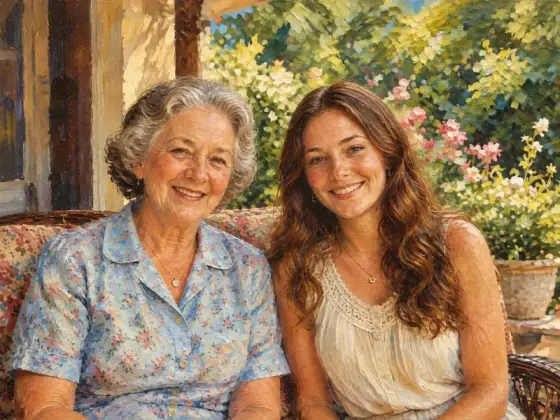
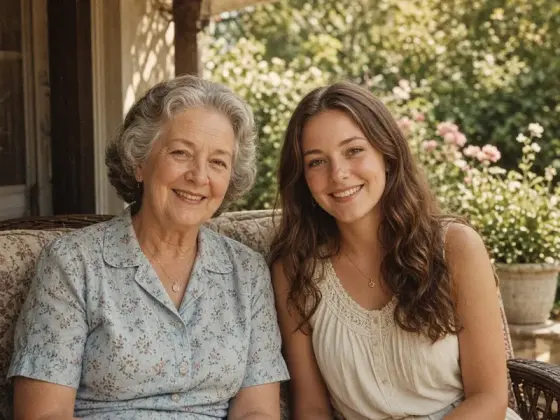
Photo to painting
NEWTurn a photo into an oil painting or watercolor.
Try it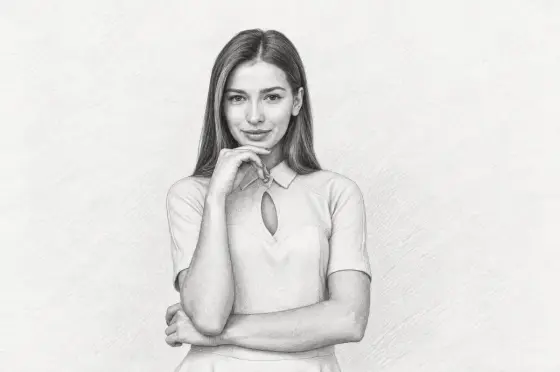
Photo to sketch
NEWTurn a photo into a pencil drawing.
Try it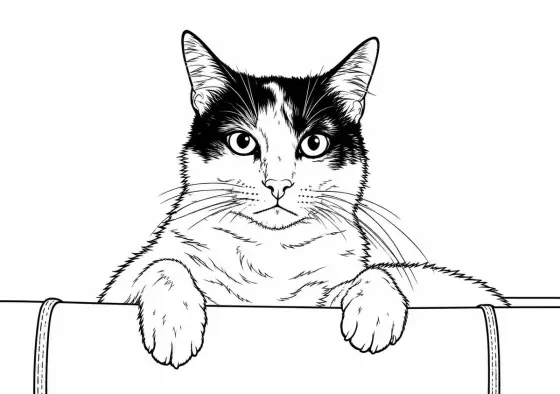
Photo to coloring page
NEWMake a page to print and color.
Try it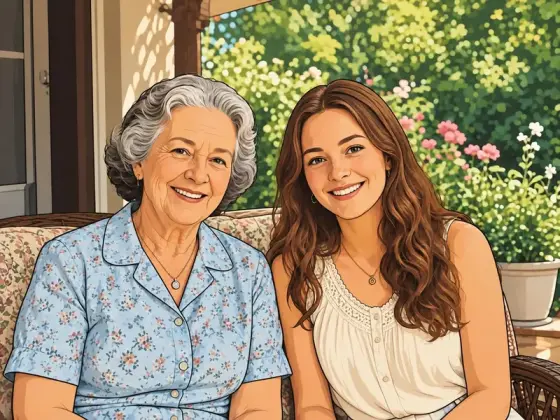
Photo to cartoon
NEWTurn a photo into a cartoon.
Try it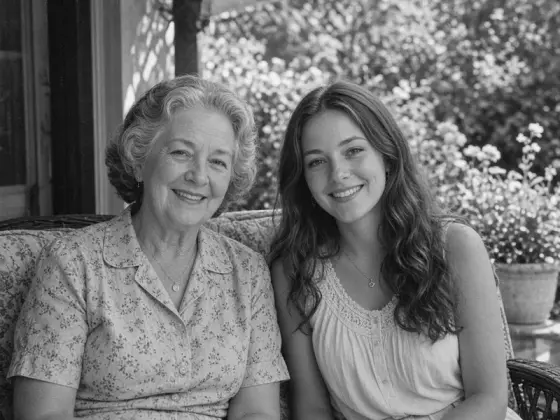
Photo to black and white
NEWMake a photo black and white, free.
Try it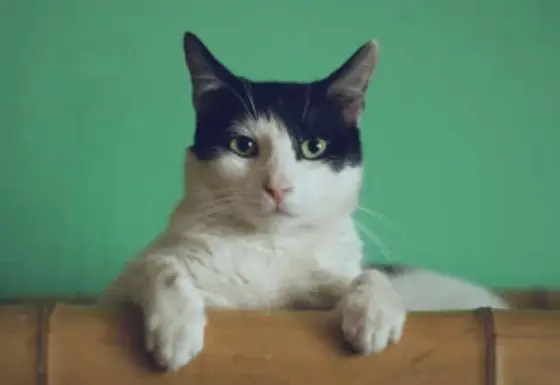
Image upscaler
NEWEnlarge images 2× or 4×, up to 8K.
Try it
AI image extender
Widen a photo to 1:1, 4:5 or 16:9.
Try it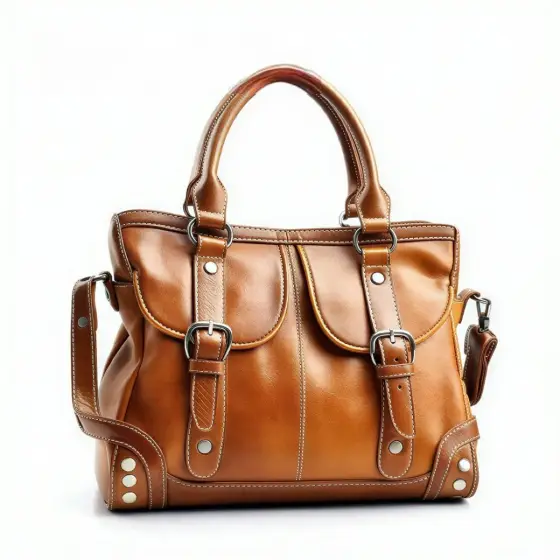

Remove text
Erase captions, dates and objects.
Try it
Remove glasses
NEWTake the glasses off a portrait.
Try it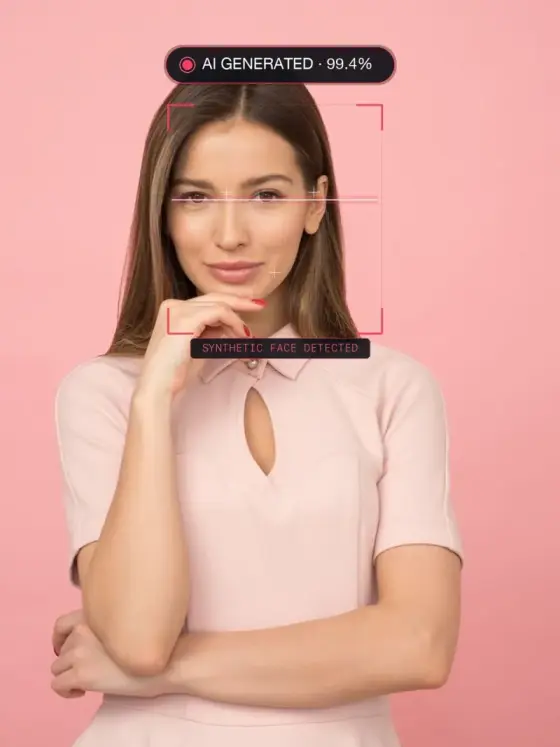
AI Image Detector
NEWDetect if photos are AI-generated in your browser with zero uploads
Try it