Remove people and photobombers from photos
Brush over the bystander, tourist or photobomber you want gone. The scenery, buildings and light behind them are rebuilt so the photo looks like they were never there.
Upload an image
Drag and drop, browse, or paste. JPEG, PNG, WebP or HEIC up to 15 MB.
Model
Format
Buy credits to export PNG or WebP.
No account required
Files are deleted automatically: 24 hours without an account, 7 days in your history.
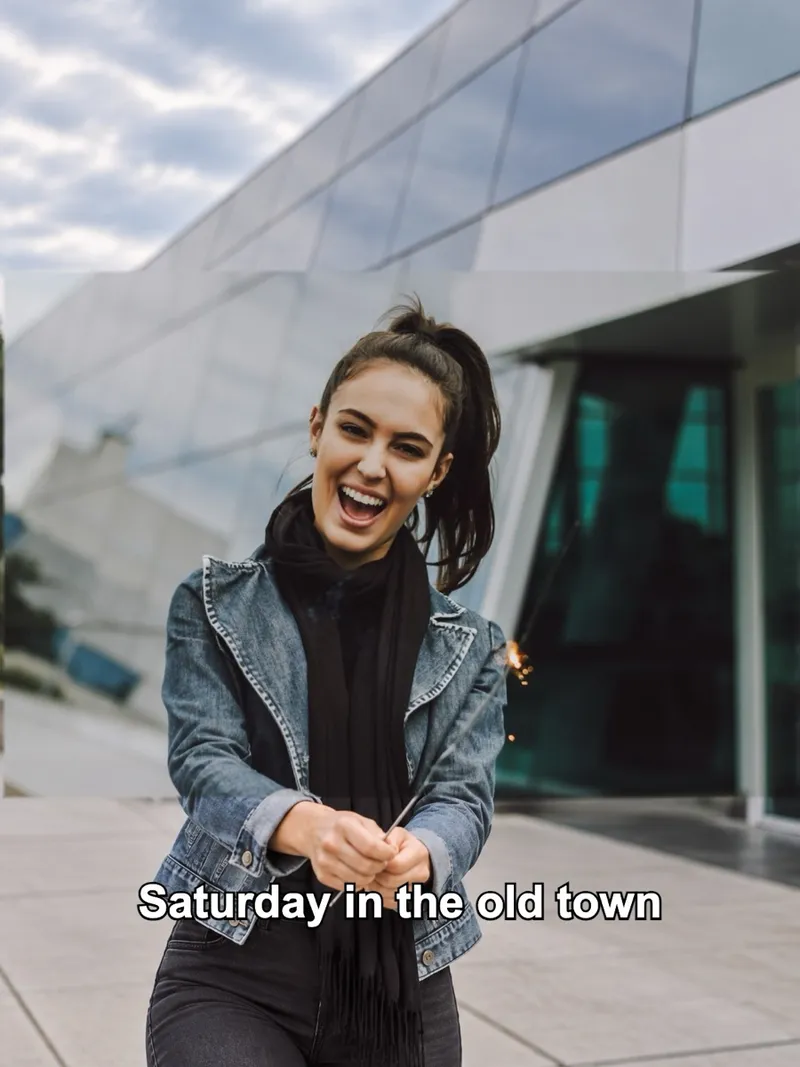 BeforeAfter
How it works
Step 1
Upload your photo
Drop a JPEG, PNG, WebP or HEIC file, or paste a screenshot.
Step 2
Pick an option and run
The cost is on the button before you run. Most runs finish in under a minute.
Step 3
Compare and download
Drag the slider to compare, then download. Signed-in history keeps files for 7 days.
At a glance
- Price
- 6 credits per image
- Free
- Needs credits or a Pro plan
- Files
- JPEG, PNG, WebP or HEIC, up to 15 MB
- Account
- Not needed to buy credits
- Privacy
- Deleted after 24 hours without an account; kept 7 days in your history when signed in
What you get
01
Photobombers and crowds
Take out strangers in the background of travel shots, events and family photos.
02
Scenery rebuilt
Walls, ground, sky and lighting are continued behind the area you erased.
03
Everyone else stays
Only the area you brush changes, so the people you want to keep look the same.
Frequently asked questions
Online AI photo & image toolkit
Explore our full suite of AI enhancement, restyling, and free conversion tools.


Photo enhancer
Sharpen and clean up any photo.
Try it
Unblur image
NEWFix motion blur and soft focus.
Try it
Unblur text
Make blurry text and screenshots readable.
Try it
Remove glare
NEWTake glare off glasses, flash and sun.
Try it
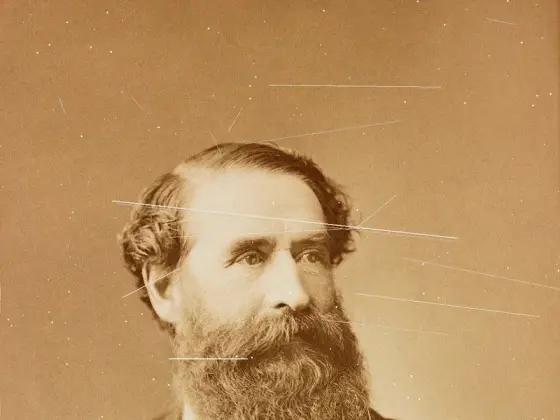
Photo restoration
NEWRepair scratches, creases and tears.
Try itPhoto colorizer
NEWAdd natural color to black-and-white photos.
Try it

AI Christmas photo
NEWPut your photo in a Christmas scene.
Try it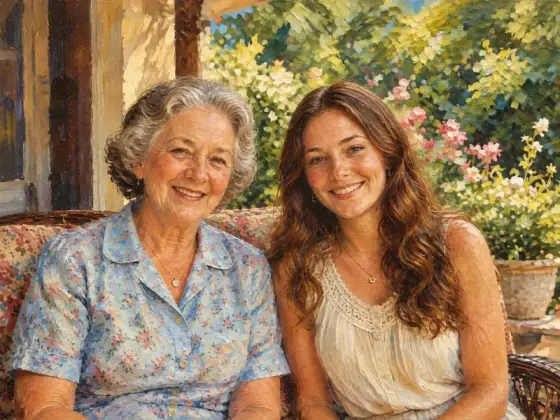
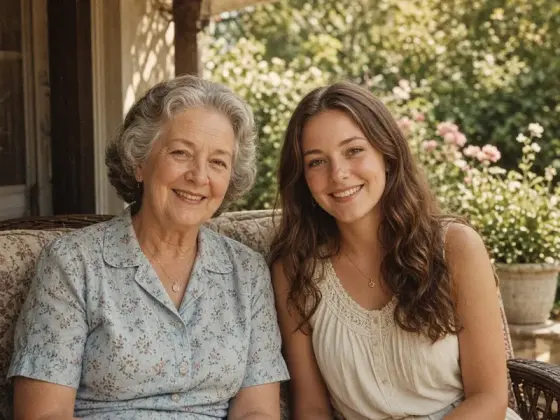
Photo to painting
NEWTurn a photo into an oil painting or watercolor.
Try it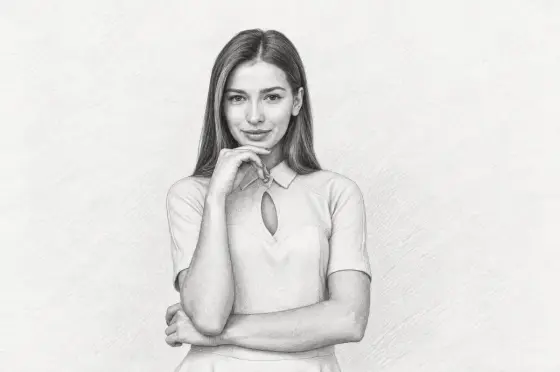
Photo to sketch
NEWTurn a photo into a pencil drawing.
Try it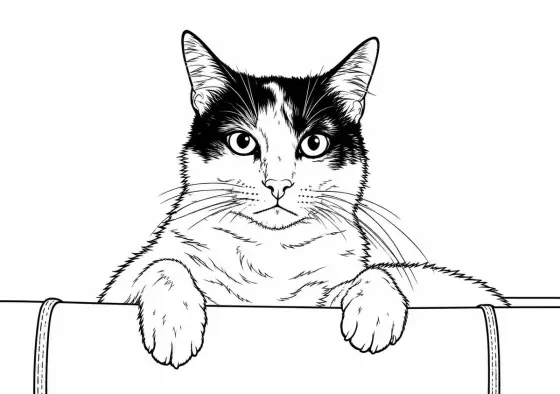
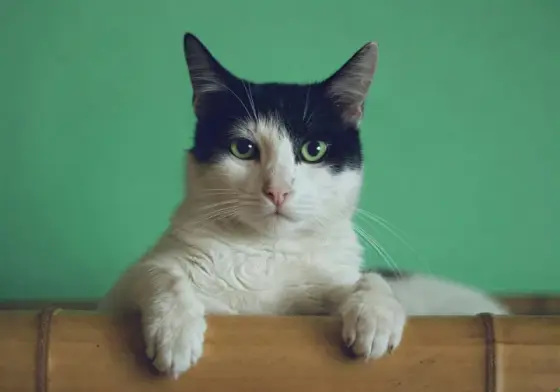
Photo to coloring page
NEWMake a page to print and color.
Try it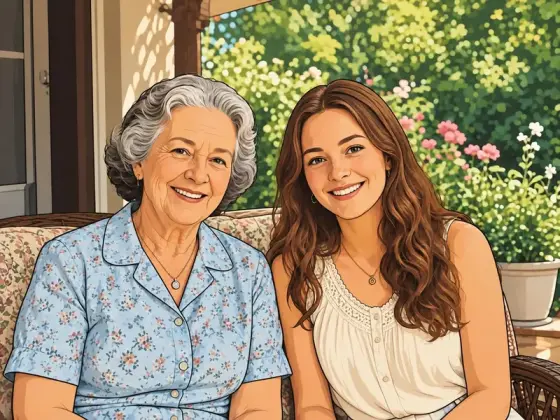
Photo to cartoon
NEWTurn a photo into a cartoon.
Try it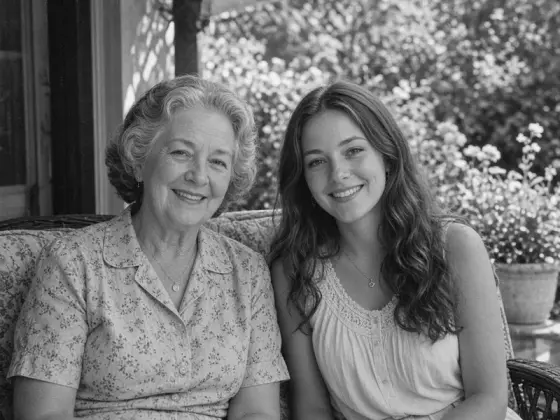
Photo to black and white
NEWMake a photo black and white, free.
Try it
Image upscaler
NEWEnlarge images 2× or 4×, up to 8K.
Try it
AI image extender
Widen a photo to 1:1, 4:5 or 16:9.
Try it
Remove text
Erase captions, dates and objects.
Try it
Remove glasses
NEWTake the glasses off a portrait.
Try it
AI Image Detector
NEWDetect if photos are AI-generated in your browser with zero uploads
Try it