Example
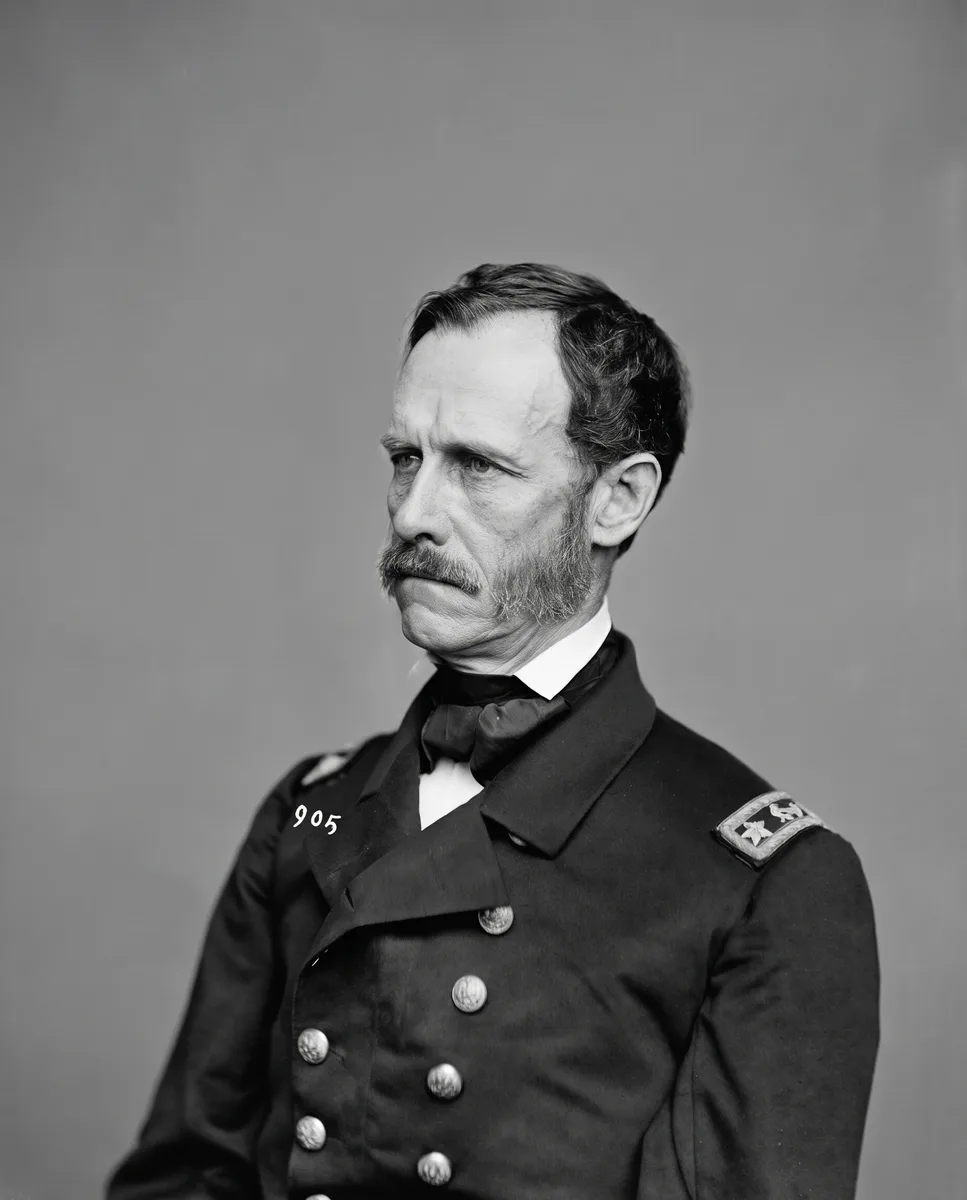
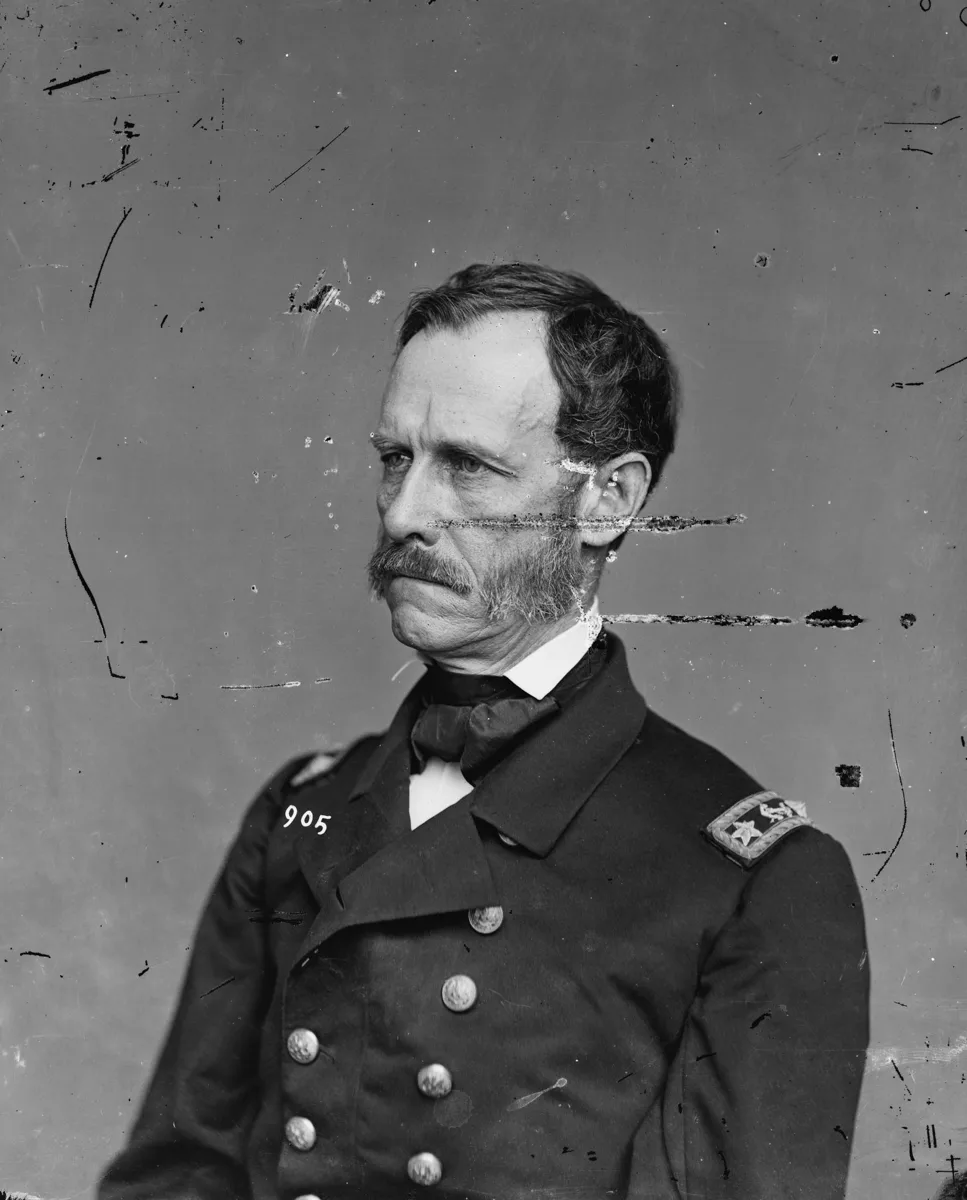
Scratches across a portrait
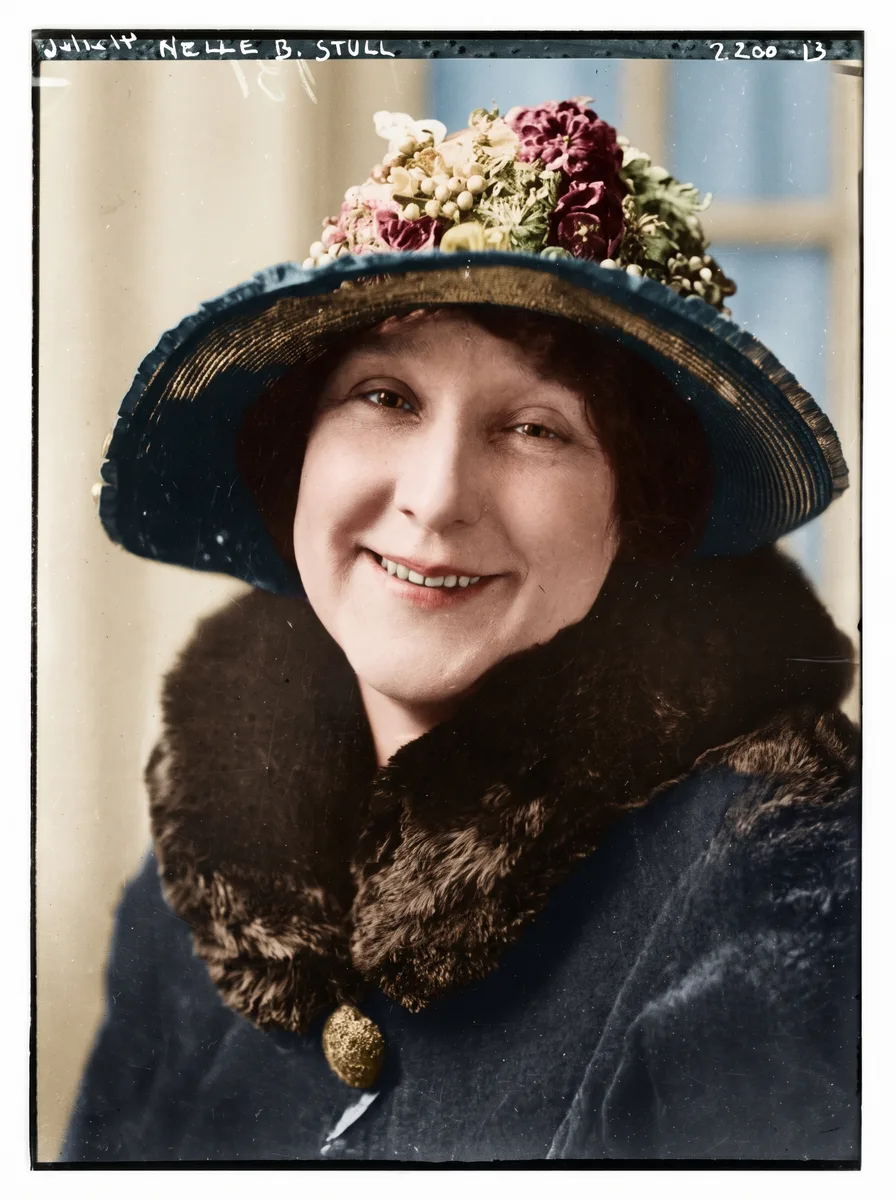
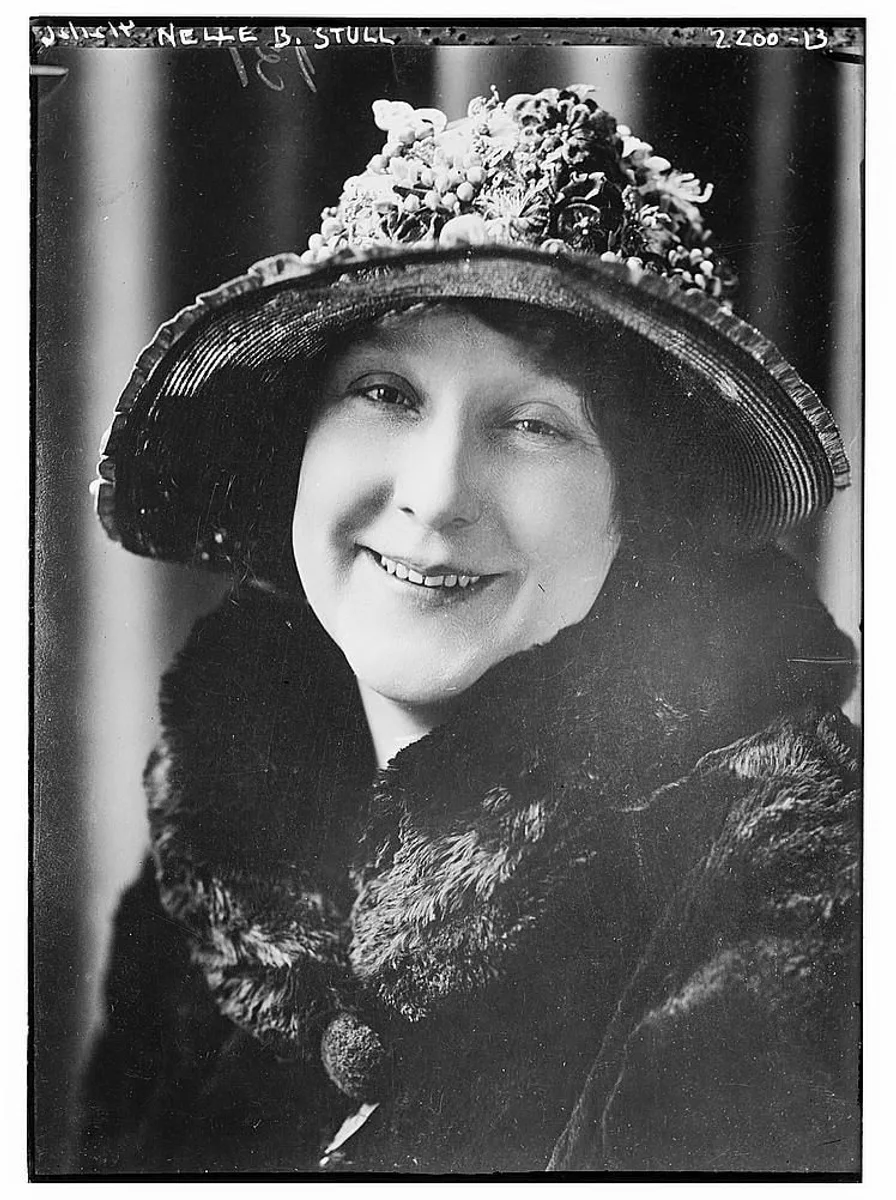
Hairline scratches and specks over the face, uniform and background are gone, and the face is unchanged.
Hairline scratches, dust specks and scuffs from years in albums and drawers are found and cleaned up for you. No brush and no layers: upload the scan and compare.
Upload an image
Drop a file here, pick one, or paste from the clipboard. JPEG, PNG, WebP or HEIC up to 15 MB.
Format
Models and file formats unlock with credits.
No account required
Files are deleted automatically: 24 hours without an account, 7 days in your history.
A scratched officer portrait and a spotted group photo. Drag the slider to compare.
Hairline scratches and specks over the face, uniform and background are gone, and the face is unchanged.
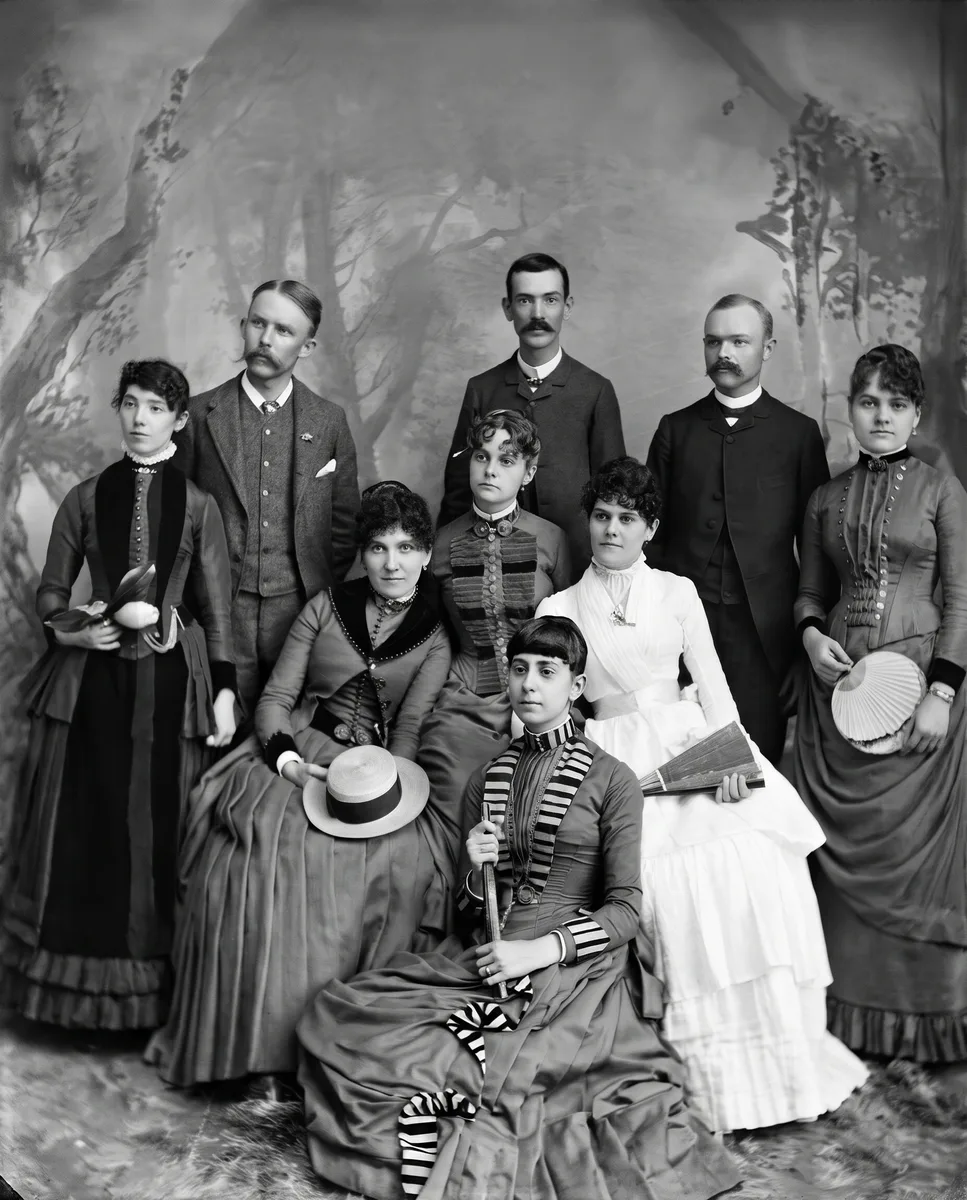
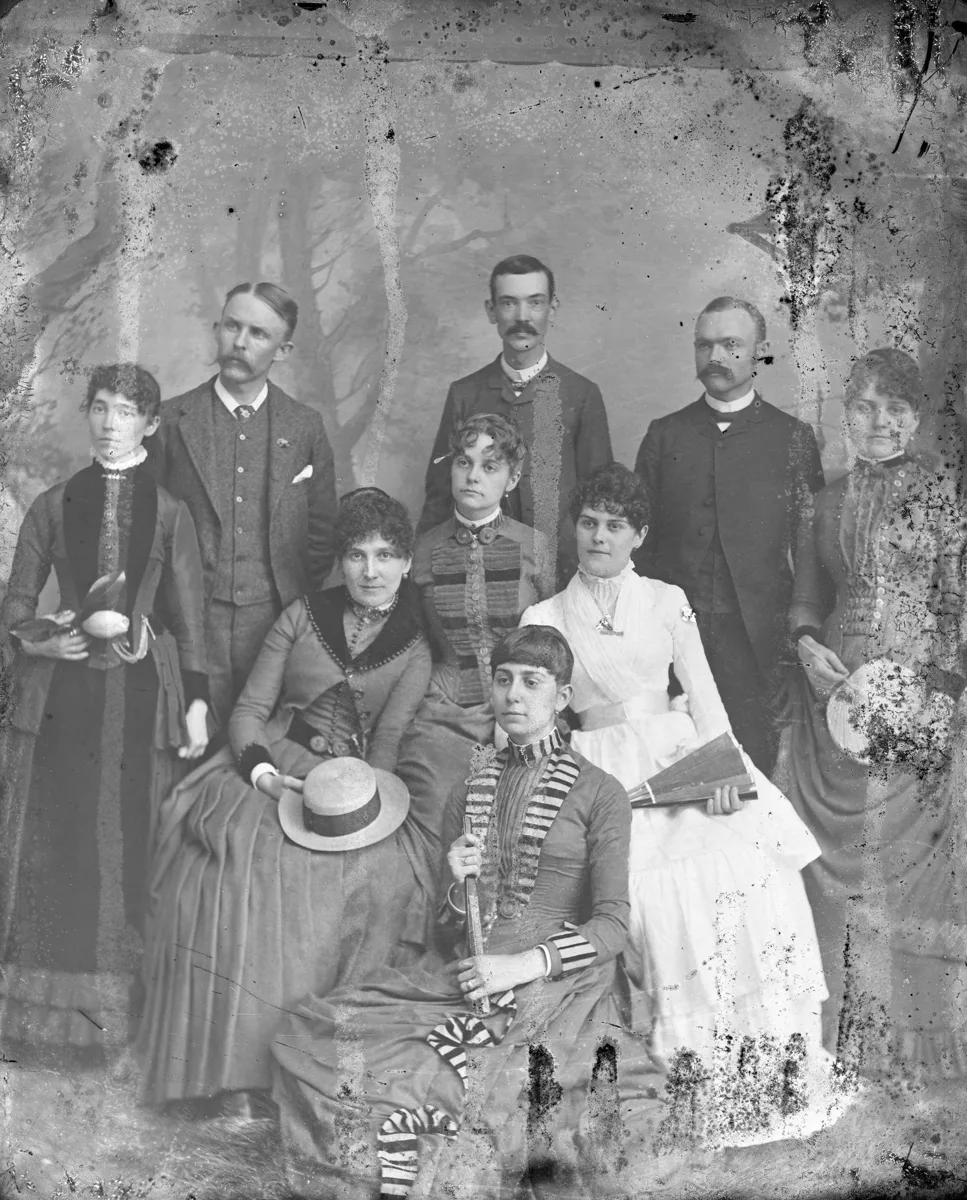
Specks, stains and worn patches across a studio group portrait are cleaned up for everyone in the frame.
Step 1
A flatbed scan at 600 dpi shows the scratches best. JPEG, PNG, WebP or HEIC up to 15 MB.
Step 2
No brush and no settings. One run costs 4 credits, and your first photo each day is free.
Step 3
Slide over faces and lettering to make sure nothing important changed, then save it.
Scratches, scuffs, dust and specks are found across the whole print and filled in from the picture around them.
Faces, clothing and backgrounds stay as they were, and so do the tones of the print.
Creases, small tears and stains on the same photo are repaired in the same run.
Prints kept loose in drawers or shoeboxes, album photos scuffed by plastic sleeves, scanned slides and negatives with dust, and old studio portraits.
01
There is nothing to mark. The whole print is checked for scratches, dust and spots.
02
Light scratches over a face are cleaned up while the face keeps its features.
03
Black-and-white stays black and white and sepia stays sepia.
Download it as it is, or take it further with one of these tools:
No. Upload the photo and run it. Scratches, dust and spots across the whole print are found automatically.
Yes. Where a scratch hides part of an eye or mouth, that part is redrawn to match the rest of the face, so compare it with your scan before you share it.
Yes. Folds, creases and small tears are repaired in the same run. Large missing pieces are filled in as a best guess, not recovered.
Yes. Free results are up to 2048 px on the long side, enough for about a 7-inch print at 300 dpi. For bigger prints, enlarge the result with Image upscaler (2×, 4× or up to 8K).
You can try one photo a day without an account. Signed in with Google, you get 10 free credits every day for Standard runs, up to 2 photos; free results are JPGs up to 2048 px. Credit packs and Pro unlock full-size results and every model.
They are used only to run your edit. Files without an account are deleted after 24 hours; signed-in history keeps them for 7 days, then they are deleted.
Explore our full suite of AI enhancement, restyling, and free conversion tools.
Sharpen and clean up any photo.
Try it
Fix motion blur and soft focus.
Try it

Sharp letters in documents, receipts and screenshots.
Try it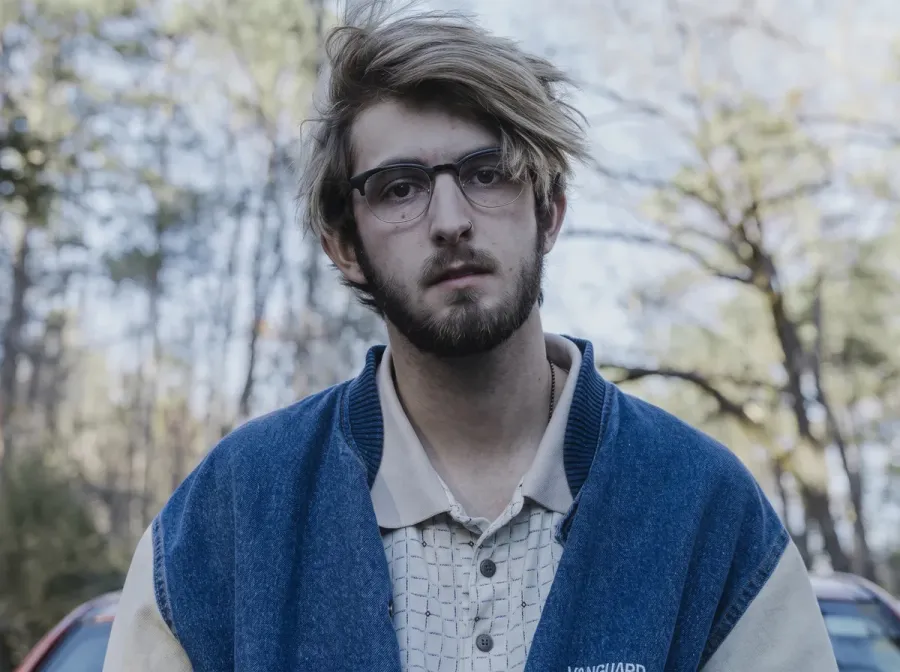
Clear bright spots from flash, lamps and sun.
Try it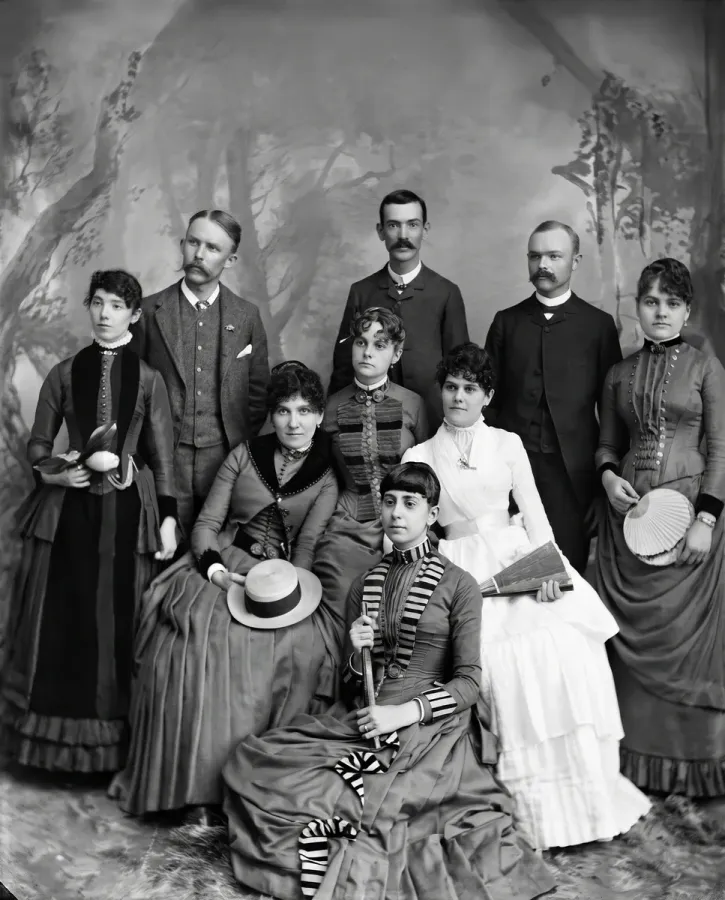
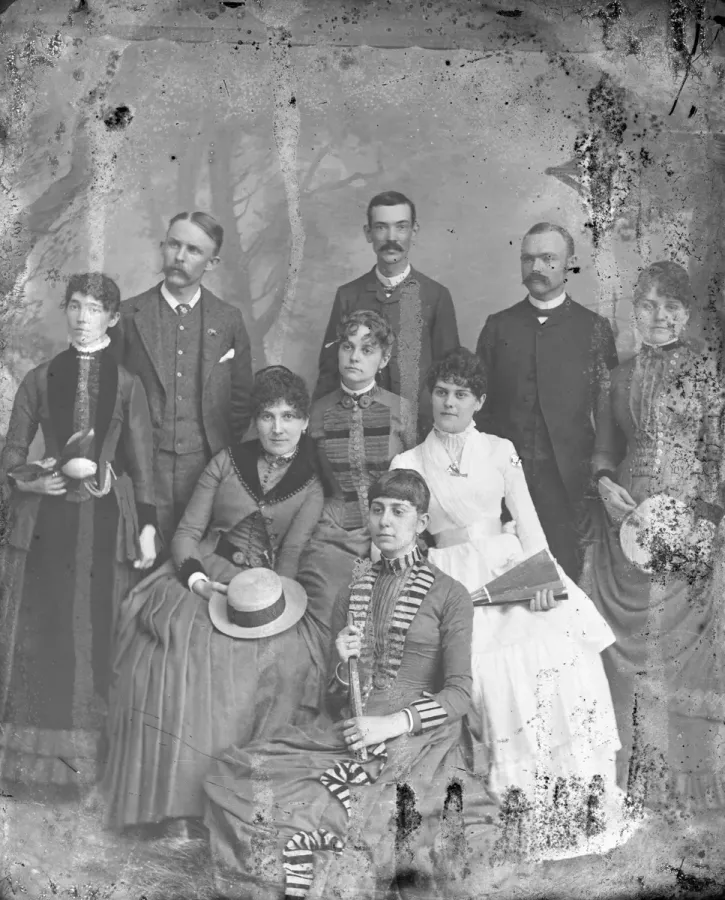
Fix damaged prints: stains, scratches, folds.
Try it
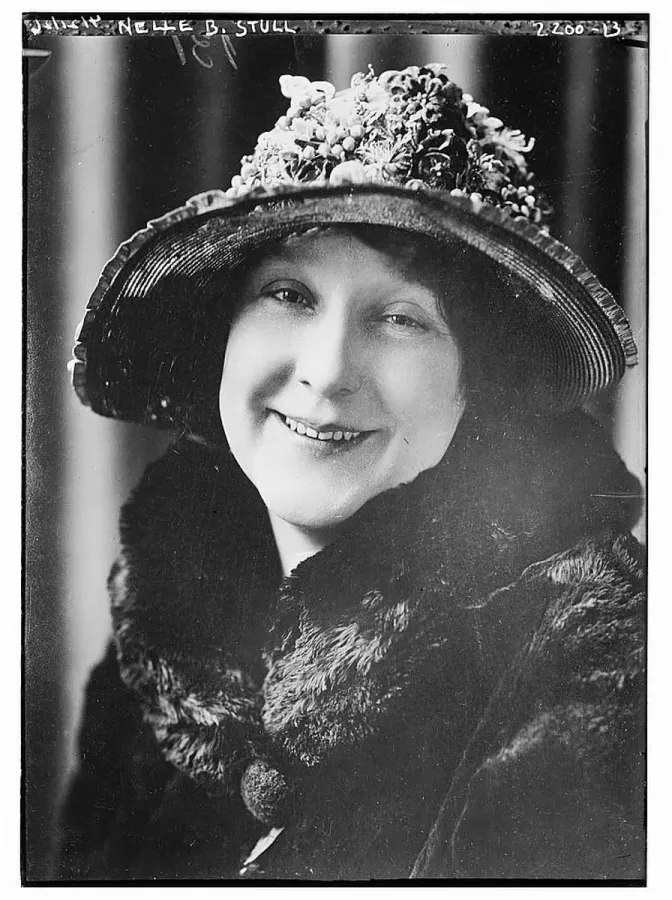
Black-and-white and sepia photos, in color.
Try it

Your people, a tree, snow, a card or Santa.
Try it
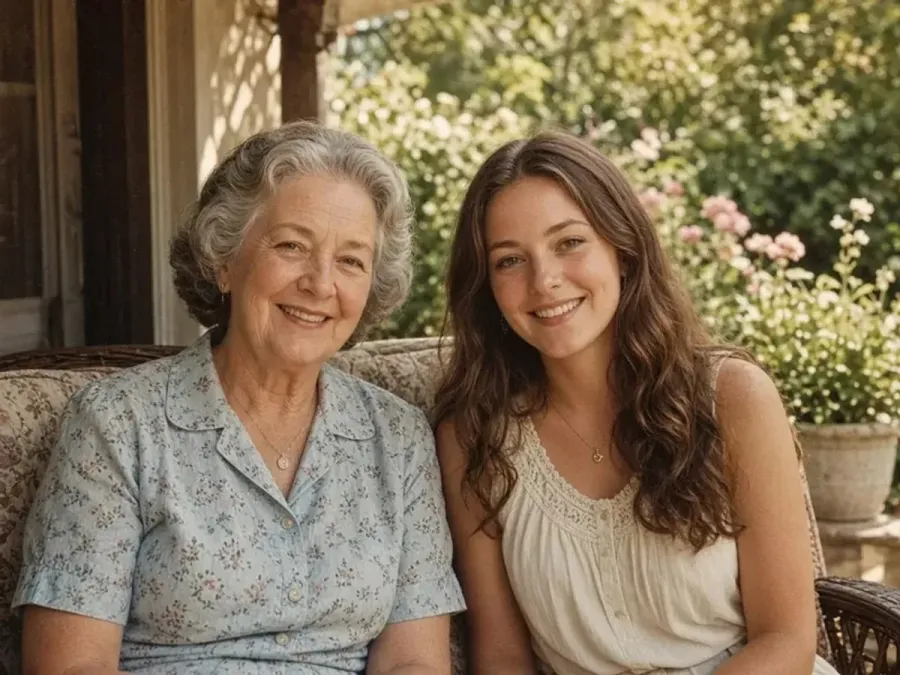
Brush strokes or soft washes from any photo.
Try it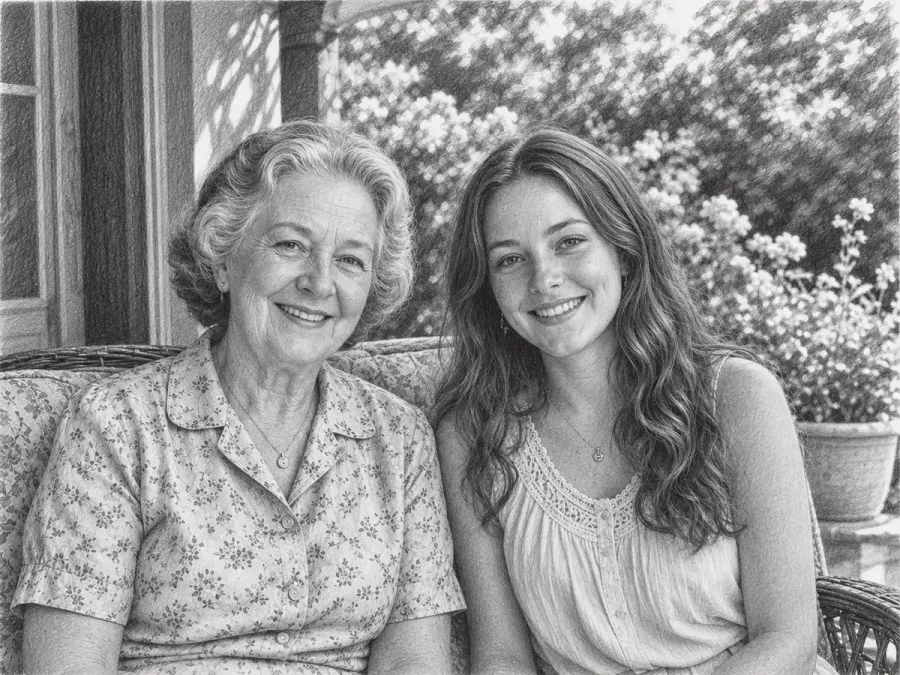
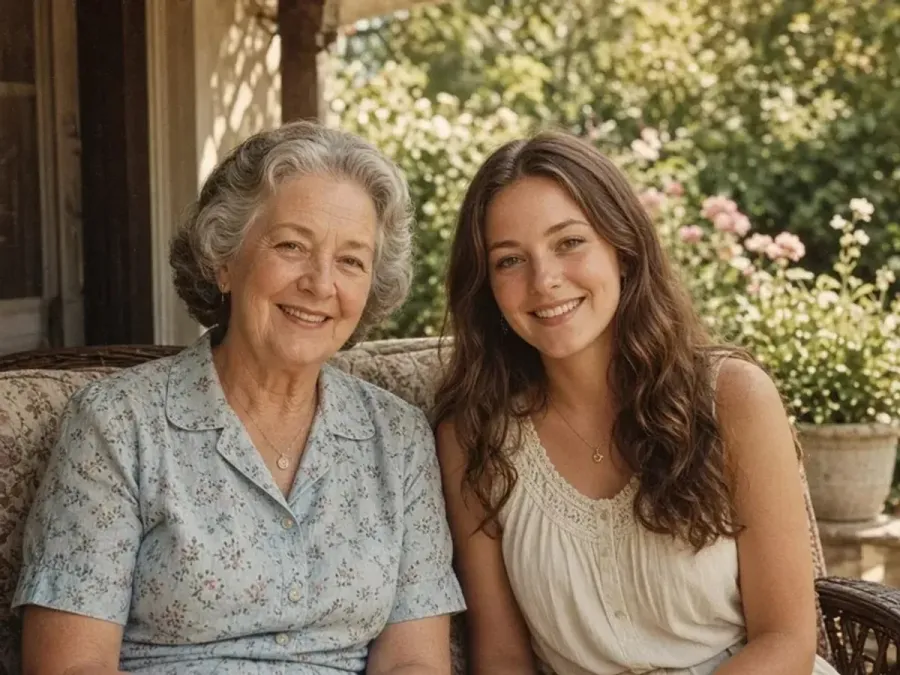
Graphite shading and hatching on white paper.
Try it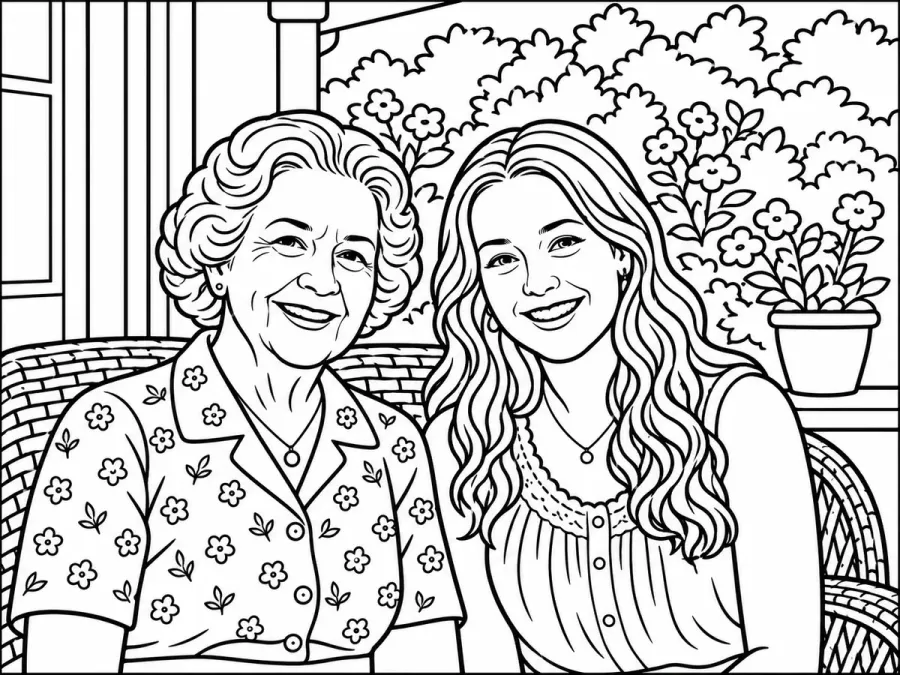
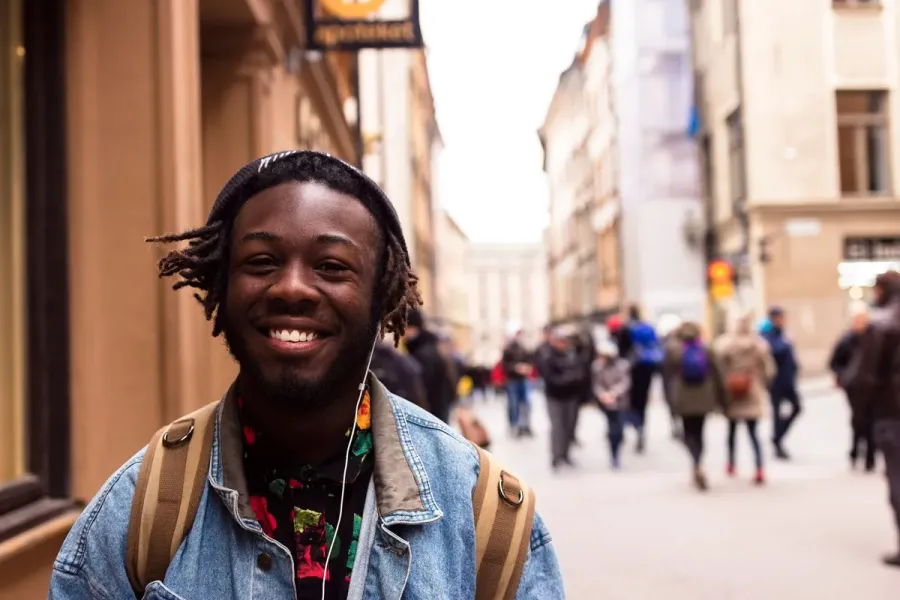
Line art from your photo, ready for crayons.
Try it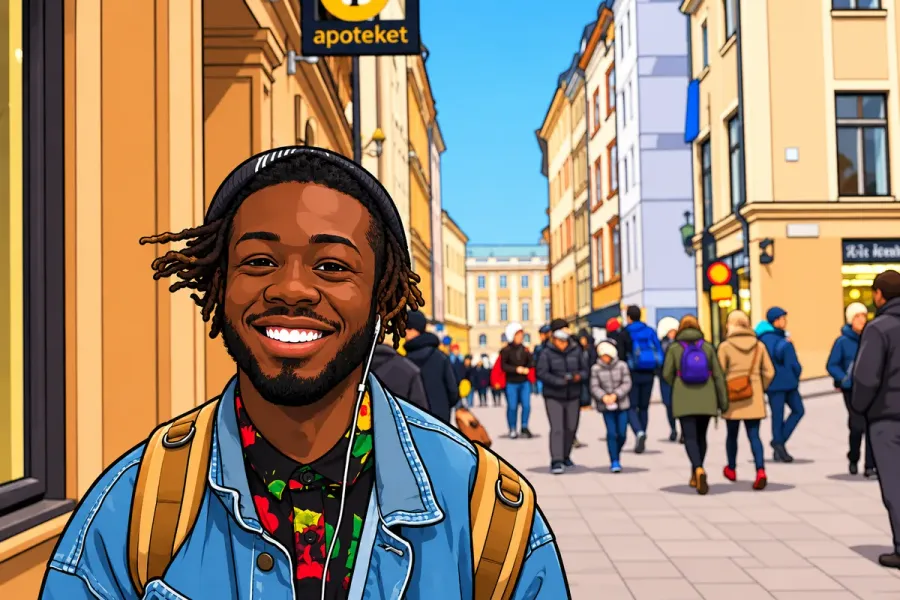
Bold outlines and flat color, still you.
Try it
Free grayscale copies, made on your device.
Try it
Enlarge images 2× or 4×, up to 8K.
Try it
Widen a photo to 1:1, 4:5 or 16:9.
Try it
Erase captions, dates and objects.
Try it
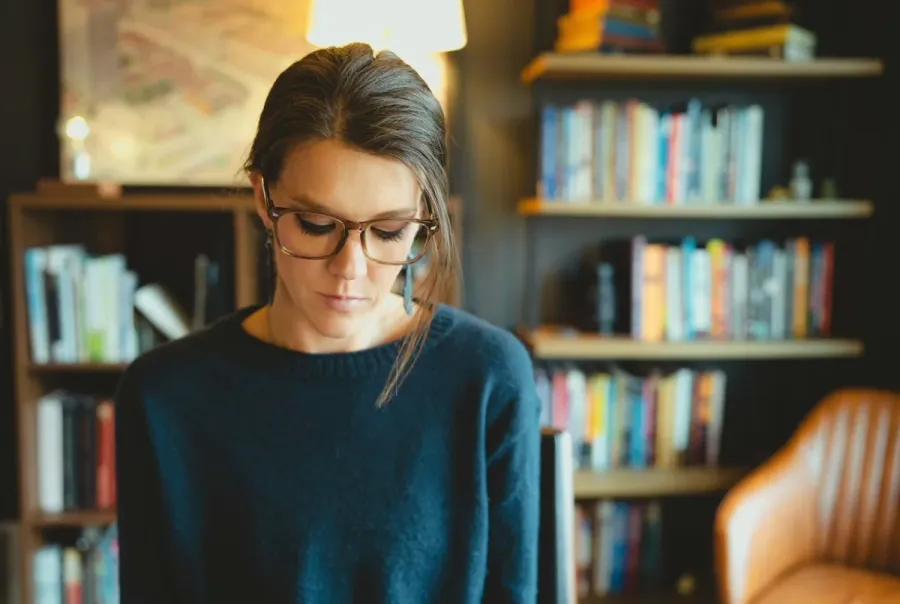
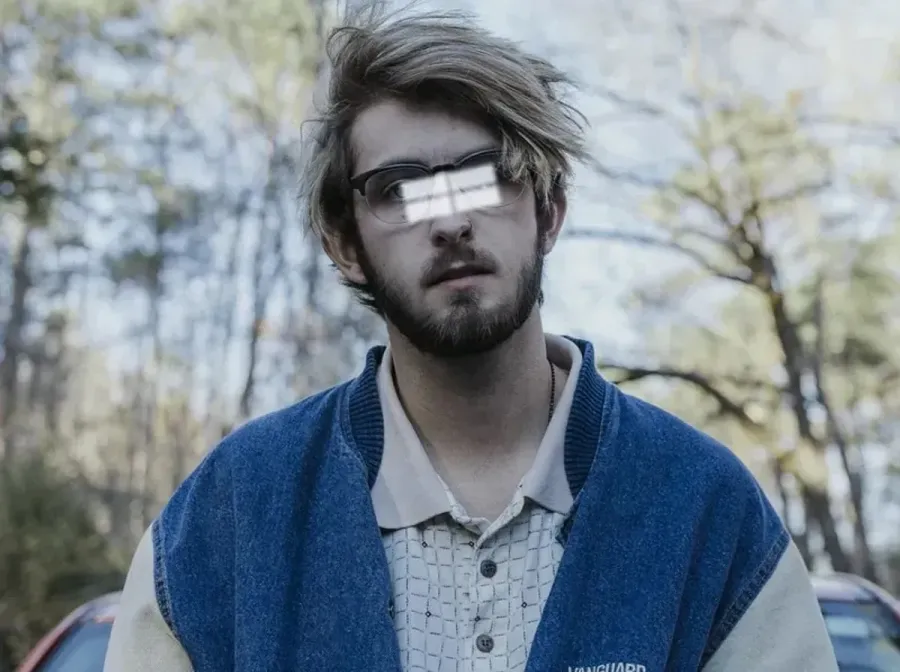
Same portrait, no frames or lenses.
Try it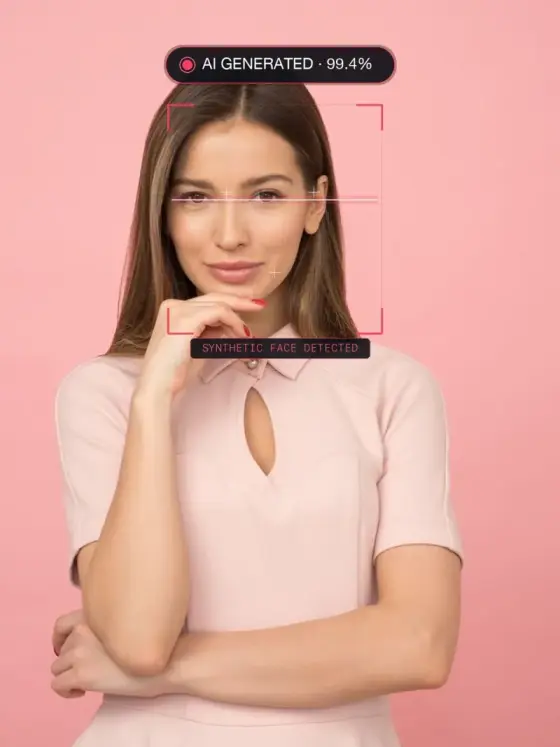
Detect if photos are AI-generated in your browser with zero uploads
Try it