Restore faded photos and bring back their contrast
Decades in albums, frames and sunlight leave prints pale and flat. Upload a scan or a phone photo of the print and get a clearer copy with the same people in it.
Upload an image
Drop a file here, pick one, or paste from the clipboard. JPEG, PNG, WebP or HEIC up to 15 MB.
Format
Models and file formats unlock with credits.
No account required
Files are deleted automatically: 24 hours without an account, 7 days in your history.
How to restore a faded photo
Step 1
Scan or photograph the print
Use a flatbed scanner with color correction off, or a phone in daylight. JPEG, PNG, WebP or HEIC up to 15 MB.
Step 2
Run the restoration
One run costs 4 credits. Your first photo each day is free without an account.
Step 3
Compare and save
Slide across faces and dark areas to see what came back, then download the copy.
At a glance
- Price
- 4 credits per image
- Free
- 1 photo a day free; with Google sign-in, 10 free credits a day (up to 2 photos)
- Files
- JPEG, PNG, WebP or HEIC, up to 15 MB
- Account
- Not needed to buy credits
- Privacy
- Deleted after 24 hours without an account; kept 7 days in your history when signed in
What happens to a faded photo
Fading flattens a print: shadows turn gray, highlights lose their edges and fine detail sinks into the paper tone. The restoration lifts contrast and recovers detail so faces and backgrounds separate again.
The photo keeps its own palette. A color print is not recolored and a black-and-white print gets no color; for that, use Photo colorizer afterwards.
Scratches, dust and creases on the same print are cleaned up in the same run.
Prints that fade the most
Color prints from the 1960s to the 1980s, photos kept in frames near a window, instant photos, and black-and-white prints that turned brown or gray.
What you get
01
Contrast back
Washed-out shadows and pale highlights are rebalanced so the picture has depth again.
02
Its own colors
Nothing is repainted: a color print keeps its colors and a black-and-white print stays black and white.
03
Damage too
Scratches, spots and creases on the same print are repaired in the same run.
What it does not do
- It does not invent colors that are gone from the print. A strong color cast gets weaker but may remain.
- Detail that faded away completely is redrawn, not recovered. Compare faces with your scan.
- Without an account, your upload and the result are removed after 24 hours.
Need further adjustments?
Download it as it is, or take it further with one of these tools:
- BeforeAfter
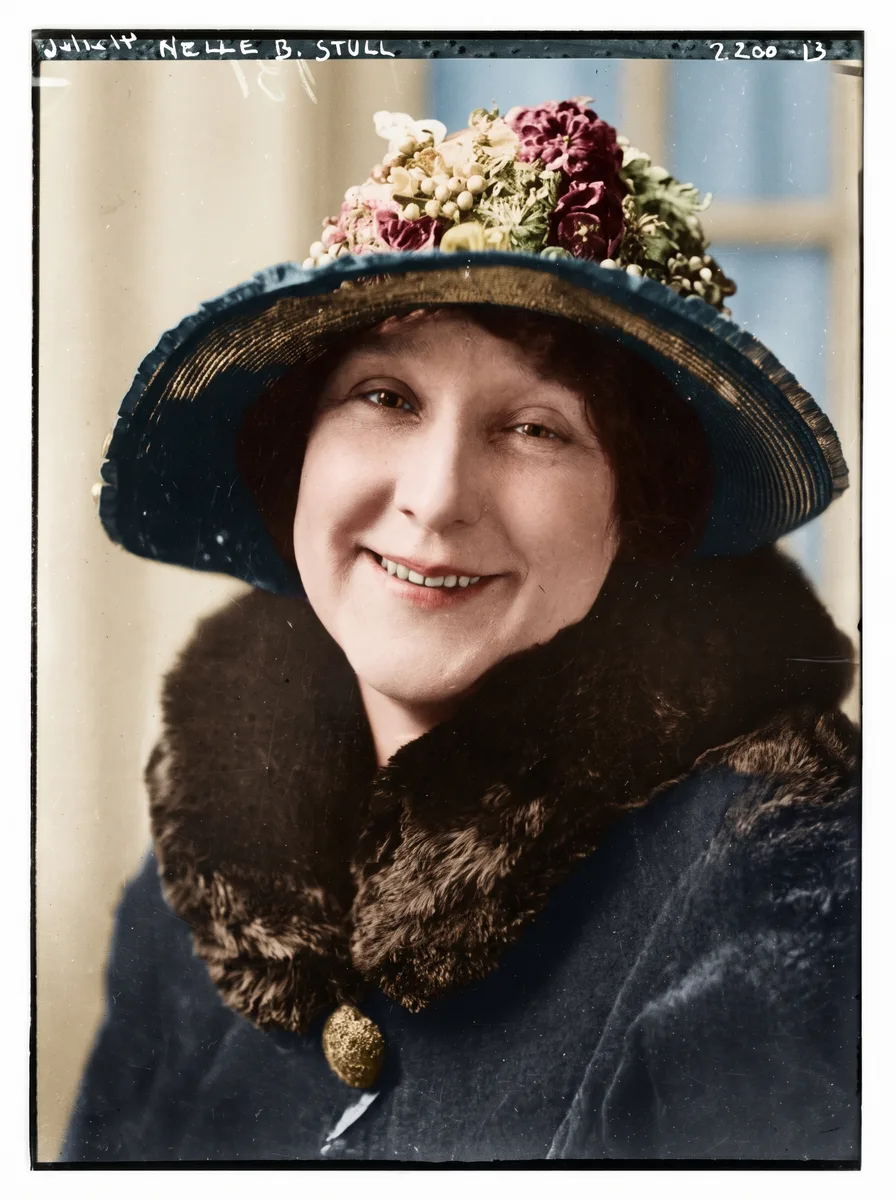
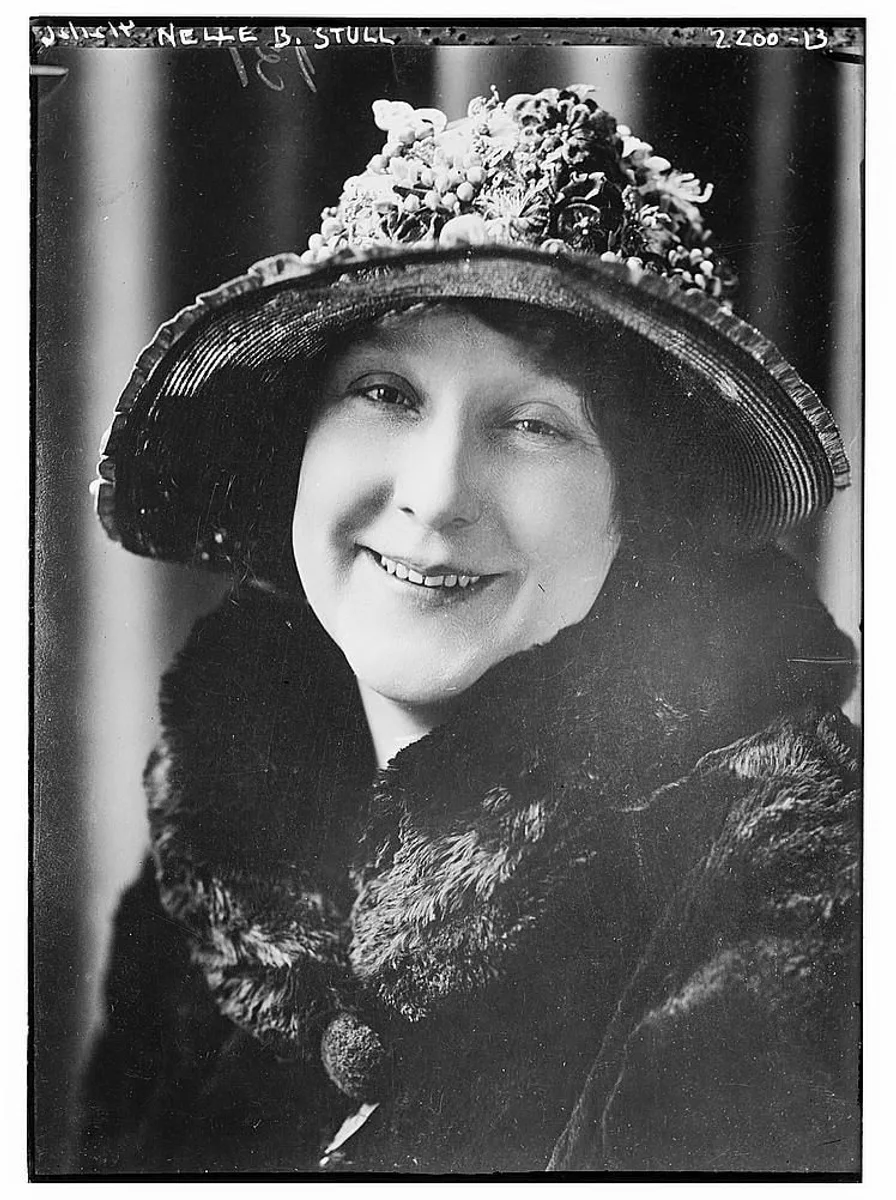
- BeforeAfter


- BeforeAfter
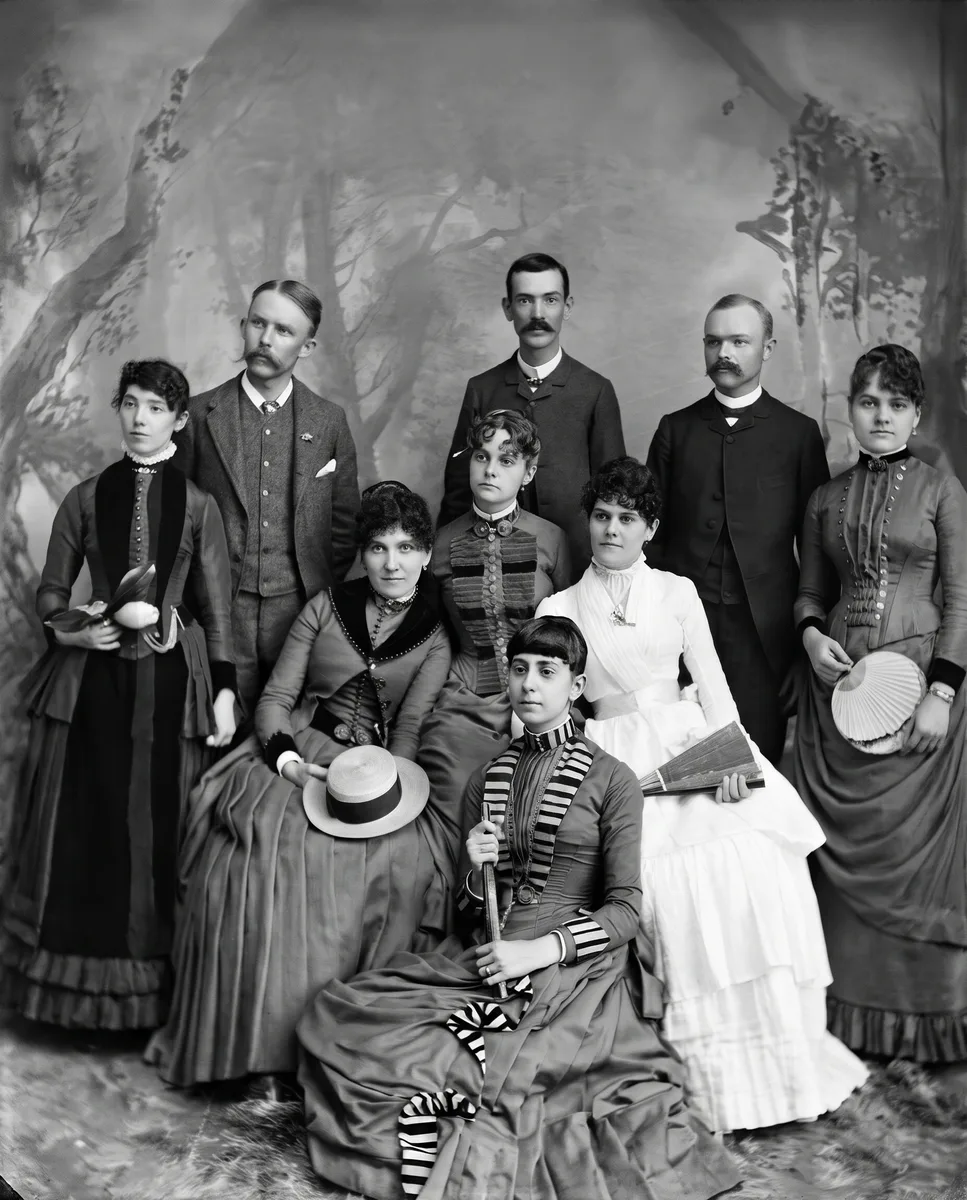
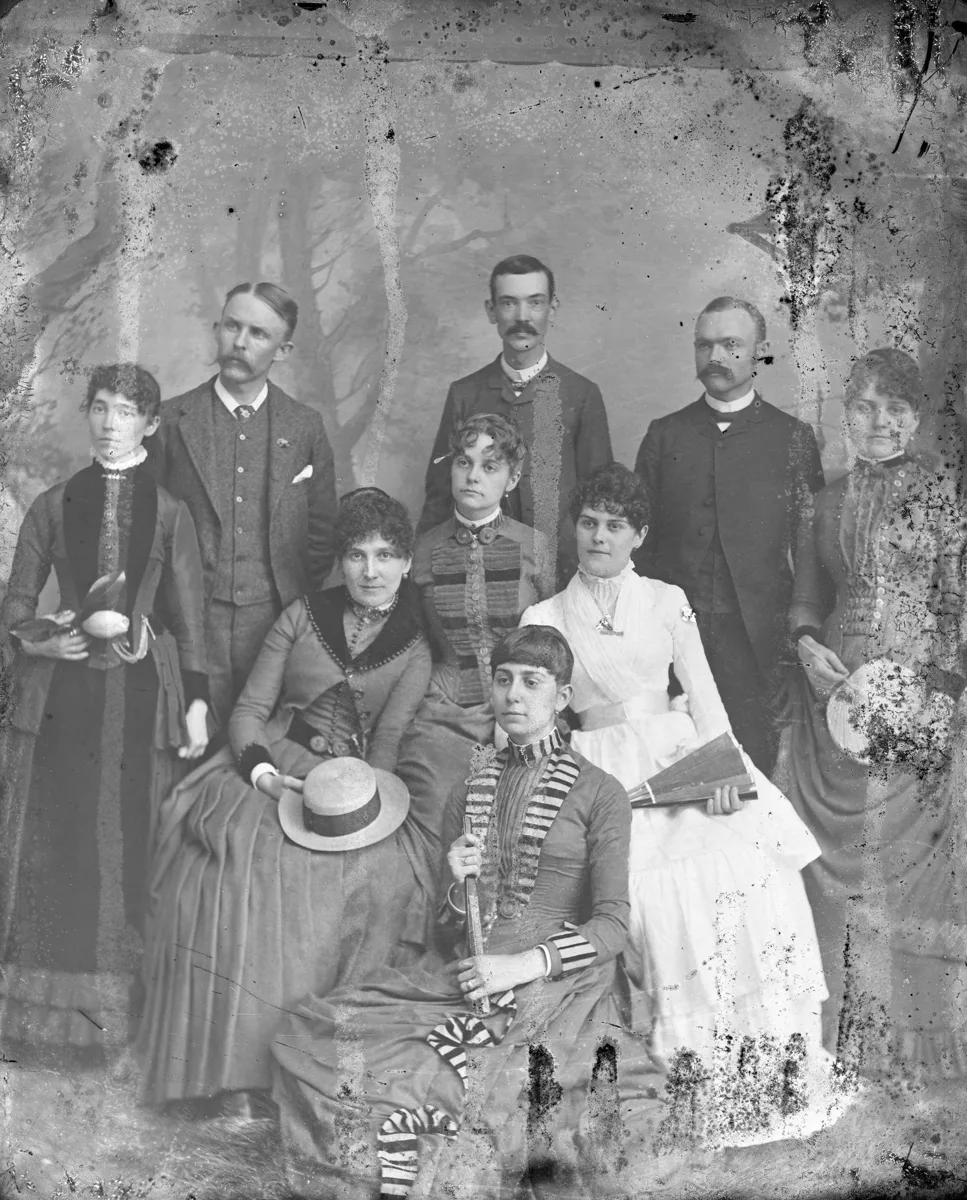
Frequently asked questions
Light, heat, humidity and the chemistry of the print break down its dyes over the years. Many color prints from the 1960s to the 1980s turn pale or drift toward yellow or red.
Upload the scan here and run Standard (4 credits). Without an account you can try one photo a day; signed in with Google you get 10 free credits every day.
It reduces fading and brings back contrast while keeping the photo’s own colors, so a strong cast gets weaker but may not disappear completely. To give a black-and-white photo new color, use Photo colorizer.
Scan at 600 dpi with the scanner’s automatic color correction turned off, or photograph the print in daylight without flash. Keep that untouched file as your original.
Yes. Free results are up to 2048 px on the long side, enough for about a 7-inch print at 300 dpi. For bigger prints, enlarge the result with Image upscaler (2×, 4× or up to 8K).
You can try one photo a day without an account. Signed in with Google, you get 10 free credits every day for Standard runs, up to 2 photos; free results are JPGs up to 2048 px. Credit packs and Pro unlock full-size results and every model.
They are used only to run your edit. Files without an account are deleted after 24 hours; signed-in history keeps them for 7 days, then they are deleted.
Online AI photo & image toolkit
Explore our full suite of AI enhancement, restyling, and free conversion tools.
Photo enhancer
Sharpen and clean up any photo.
Try it

Unblur image
NEWFix motion blur and soft focus.
Try it

Unblur text
Sharp letters in documents, receipts and screenshots.
Try it
Remove glare
NEWClear bright spots from flash, lamps and sun.
Try it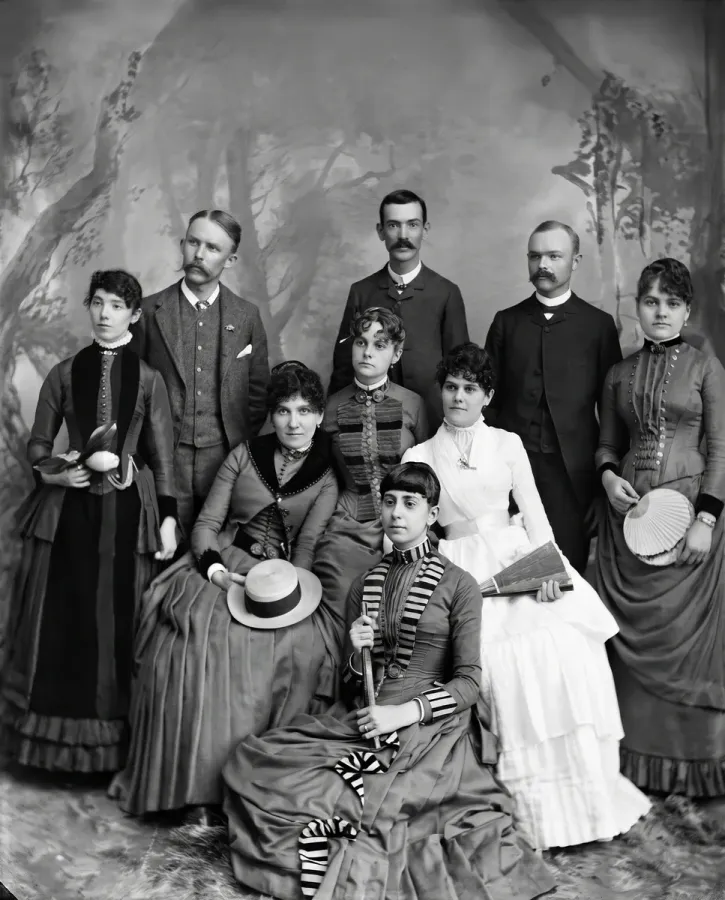
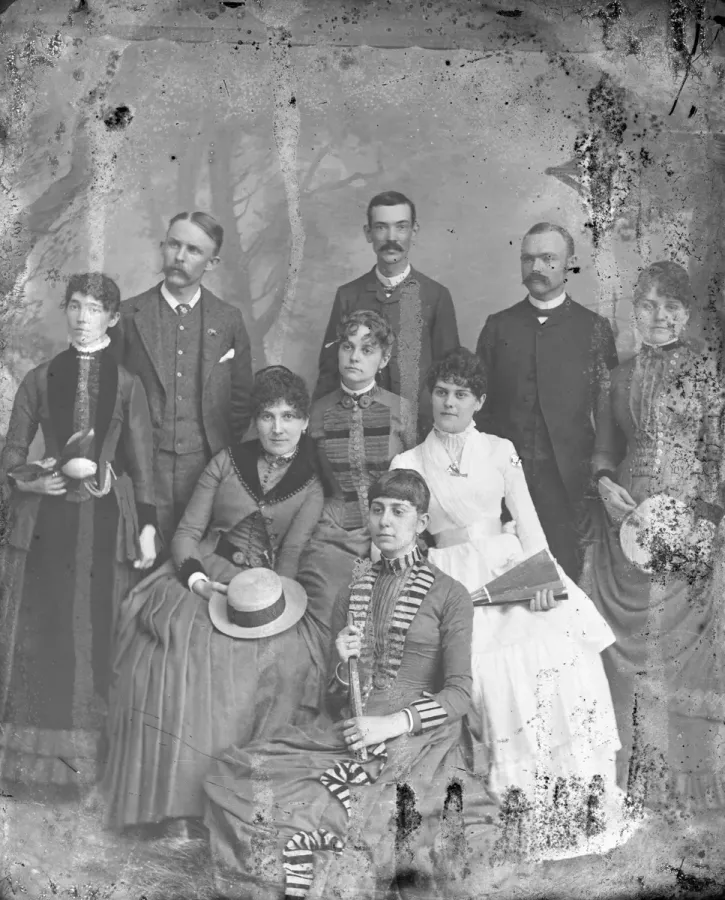
Photo restoration
NEWFix damaged prints: stains, scratches, folds.
Try it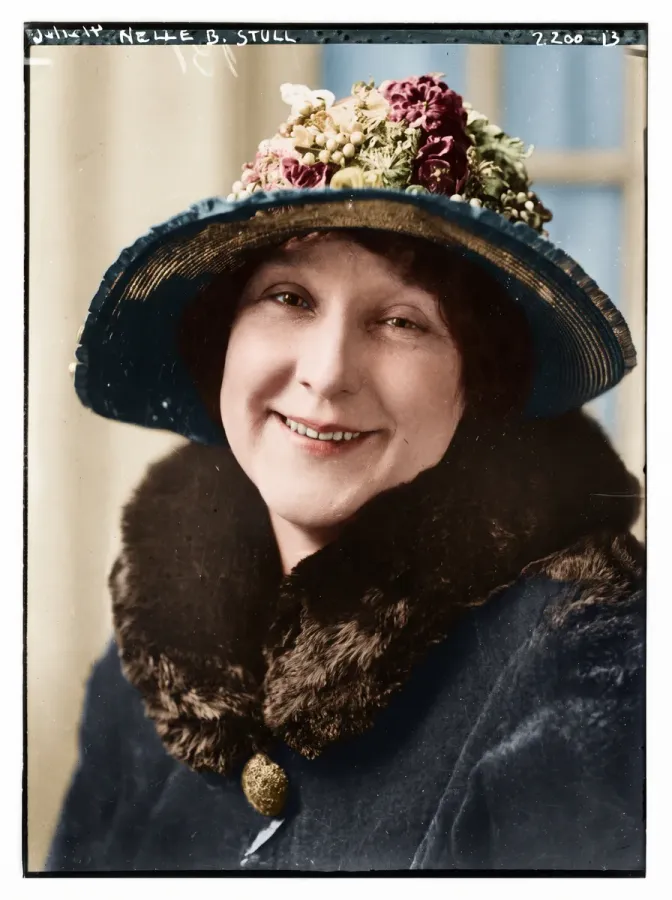
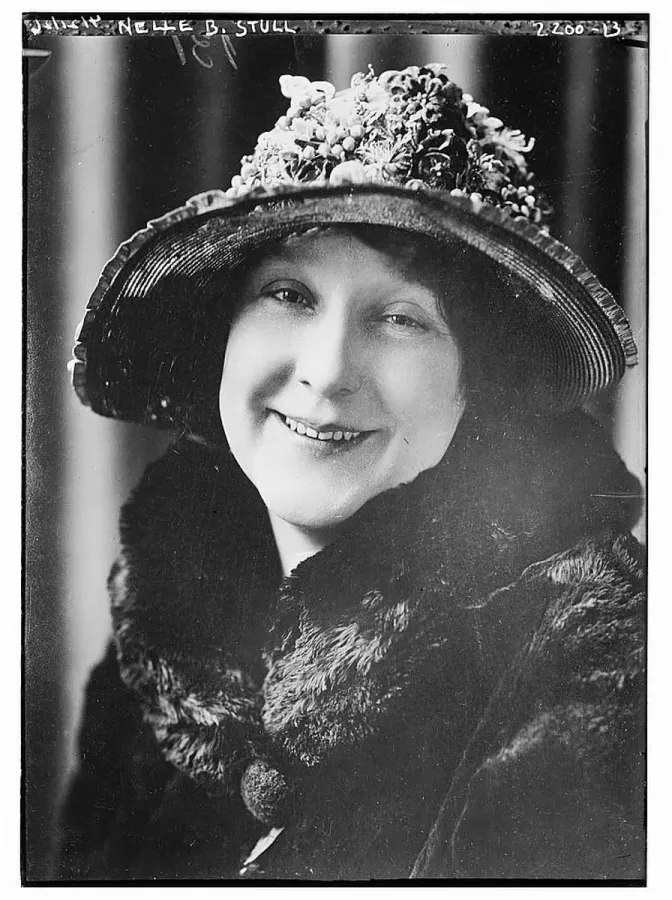
Photo colorizer
NEWBlack-and-white and sepia photos, in color.
Try it

AI Christmas photo
NEWYour people, a tree, snow, a card or Santa.
Try it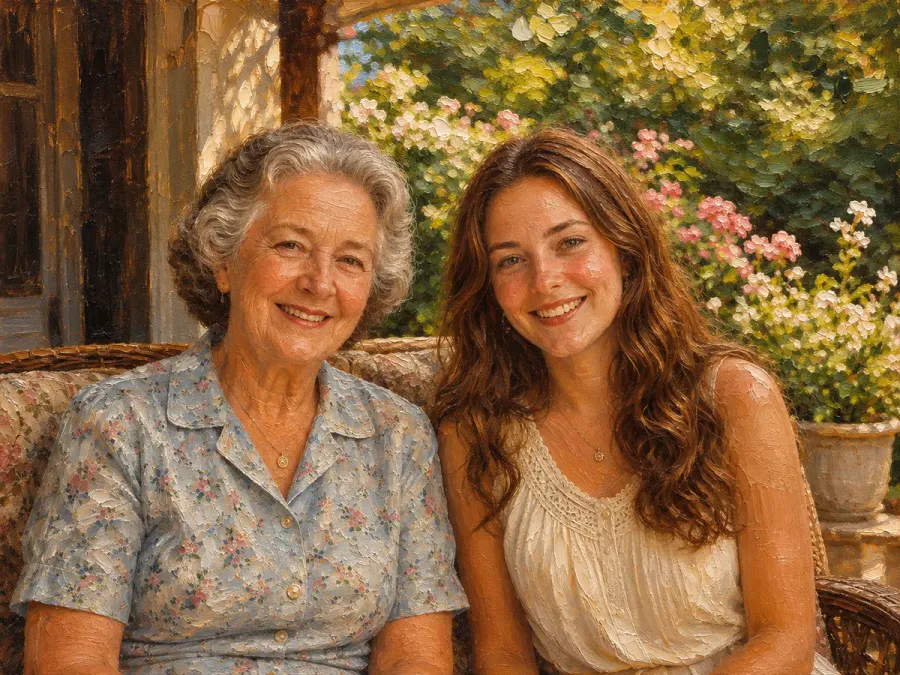
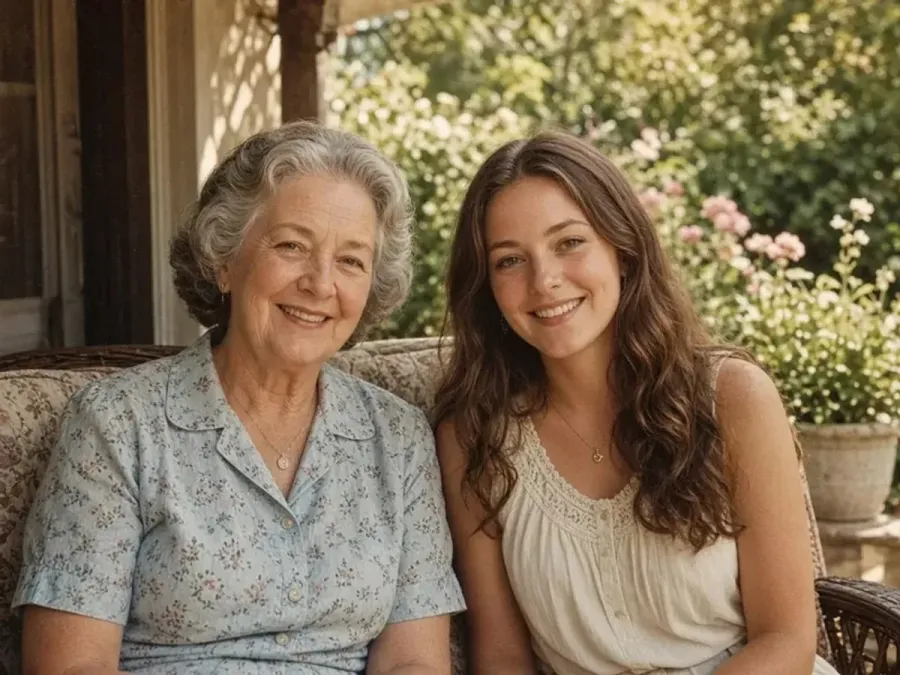
Photo to painting
NEWBrush strokes or soft washes from any photo.
Try it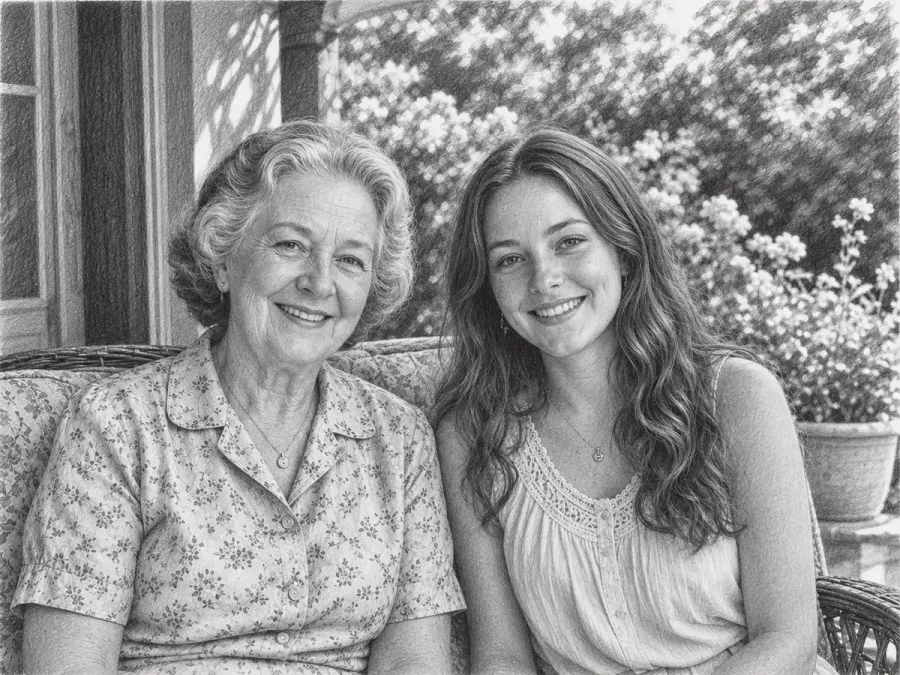
Photo to sketch
NEWGraphite shading and hatching on white paper.
Try it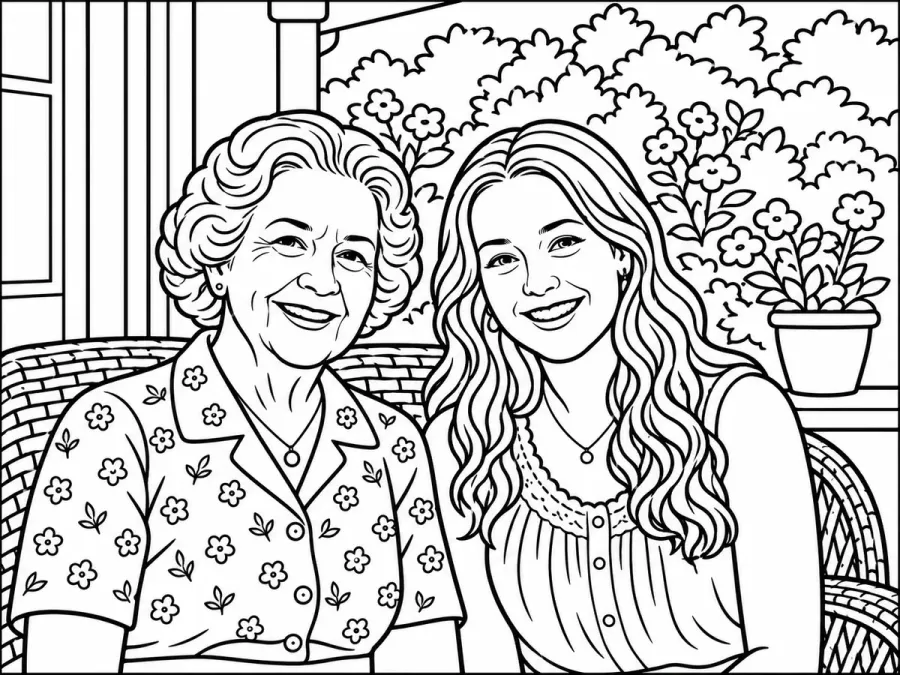
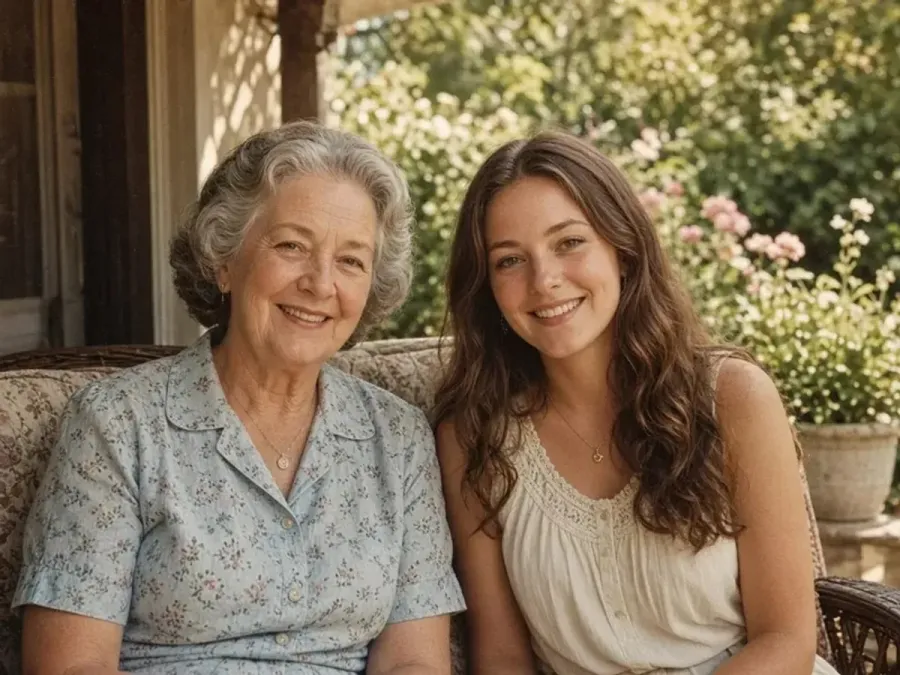
Photo to coloring page
NEWLine art from your photo, ready for crayons.
Try it

Photo to cartoon
NEWBold outlines and flat color, still you.
Try it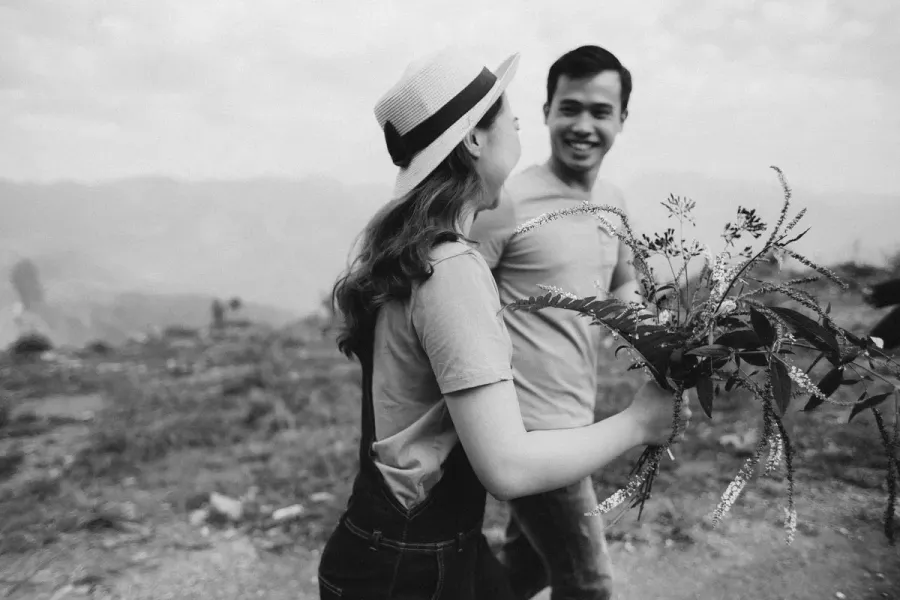

Photo to black and white
NEWFree grayscale copies, made on your device.
Try it

Image upscaler
NEWEnlarge images 2× or 4×, up to 8K.
Try it
AI image extender
Widen a photo to 1:1, 4:5 or 16:9.
Try it
Remove text
Erase captions, dates and objects.
Try it

Remove glasses
NEWSame portrait, no frames or lenses.
Try it
AI Image Detector
NEWDetect if photos are AI-generated in your browser with zero uploads
Try it